Edit. Prototype. Show.
Turn an idea into something people can actually see, click and understand.
Get RWP for Chrome
Stop rebuilding a website just to show an idea.
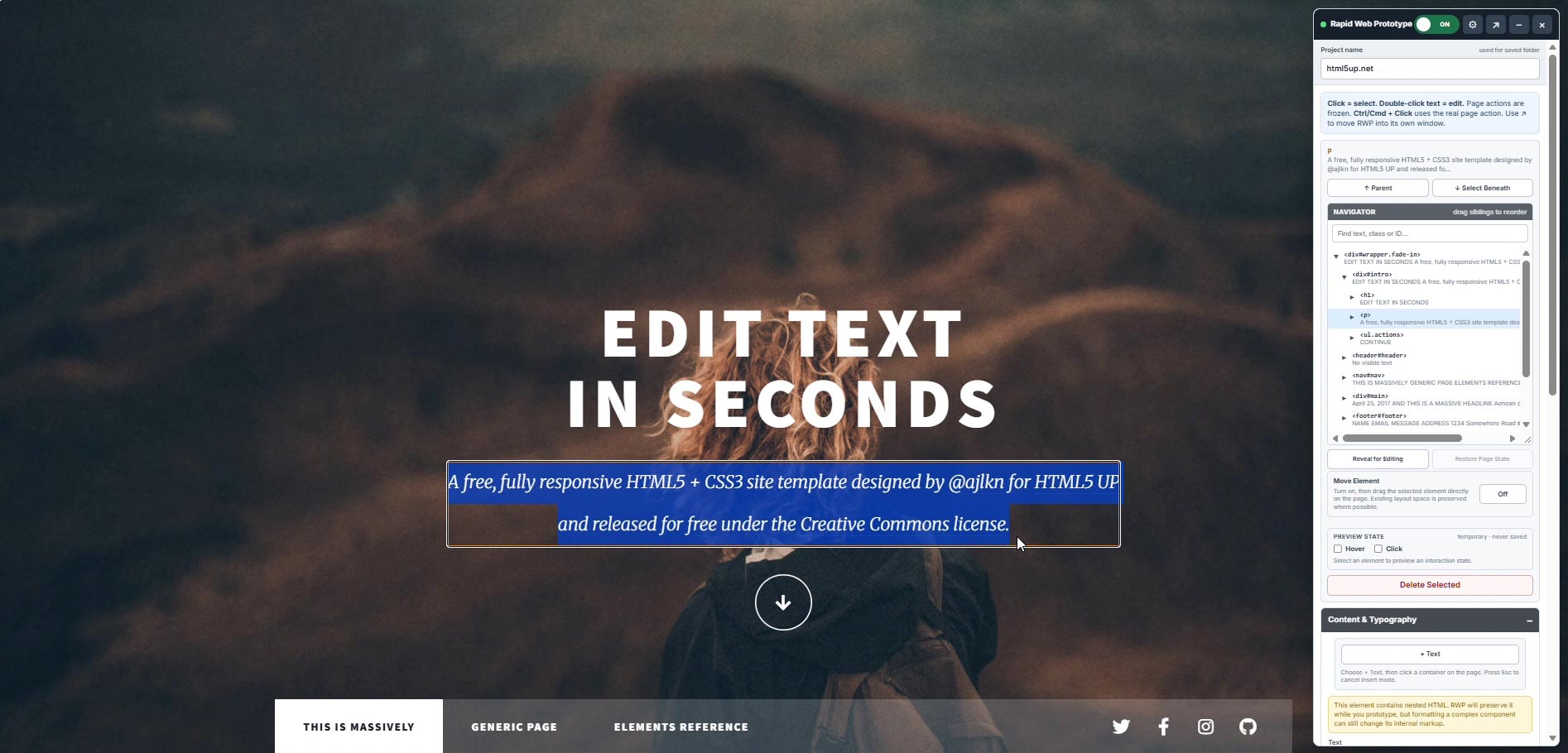
A design conversation often starts with an existing website. Maybe the headline needs to change. The hero image isn't working. A section belongs somewhere else. The typography feels wrong. Or you simply want to show a client what the page could become. Traditionally, that can mean taking screenshots, rebuilding the page in a design tool, creating a mockup, or trying to explain the change in a meeting. RWP lets you start with the actual page instead. Open the website, select what you want to change and begin prototyping.

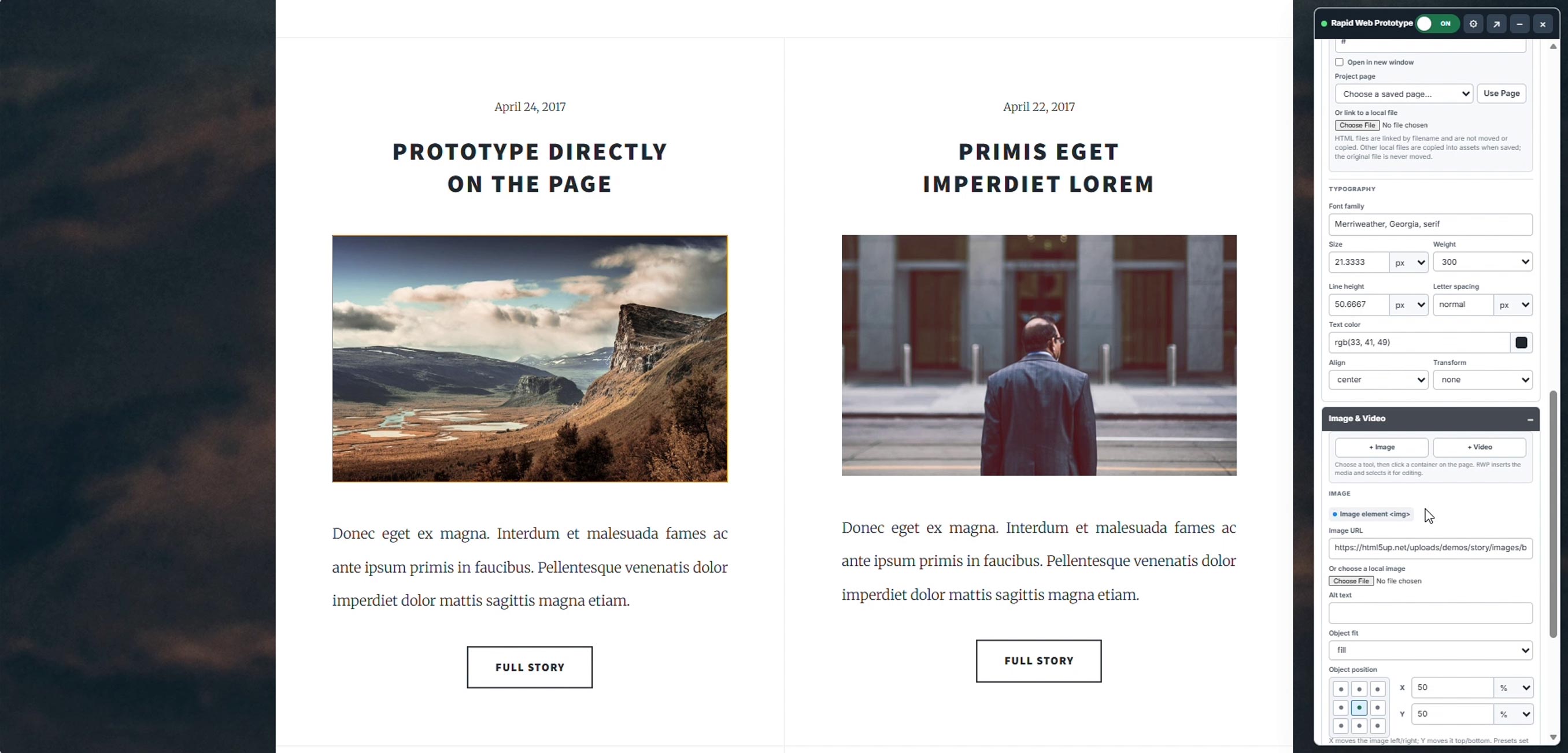
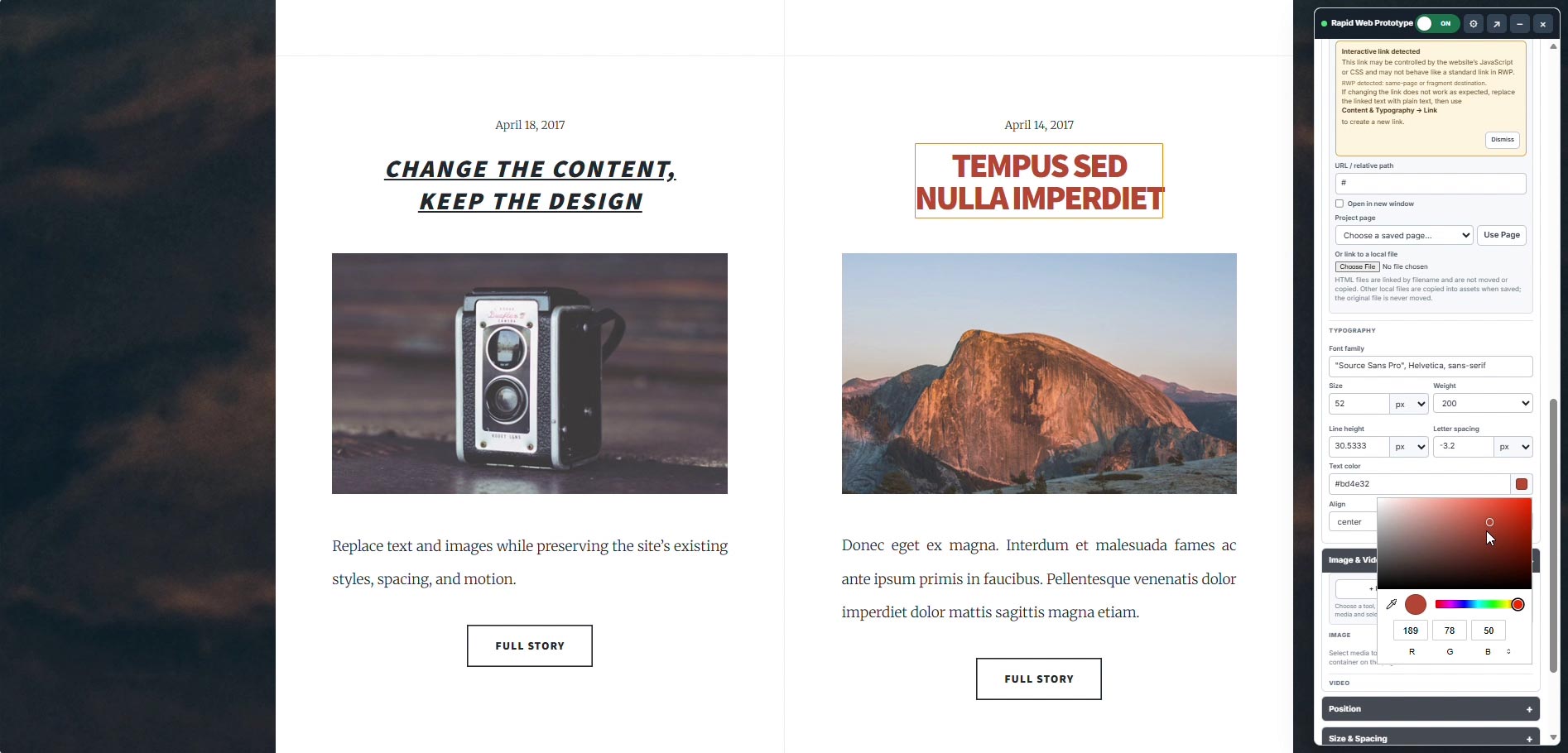
Work directly with Live web Pages.
RWP gives designers a practical set of tools for exploring changes without turning the process into a development project.
You stay focused on the design decision instead of rebuilding the website around it and burning hours on simple ideations.
From "What if?"
to your Vision
RWP is designed for the part of the design process where an idea needs to become tangible — quickly. Then use the three existing subsections:
Start with the real website
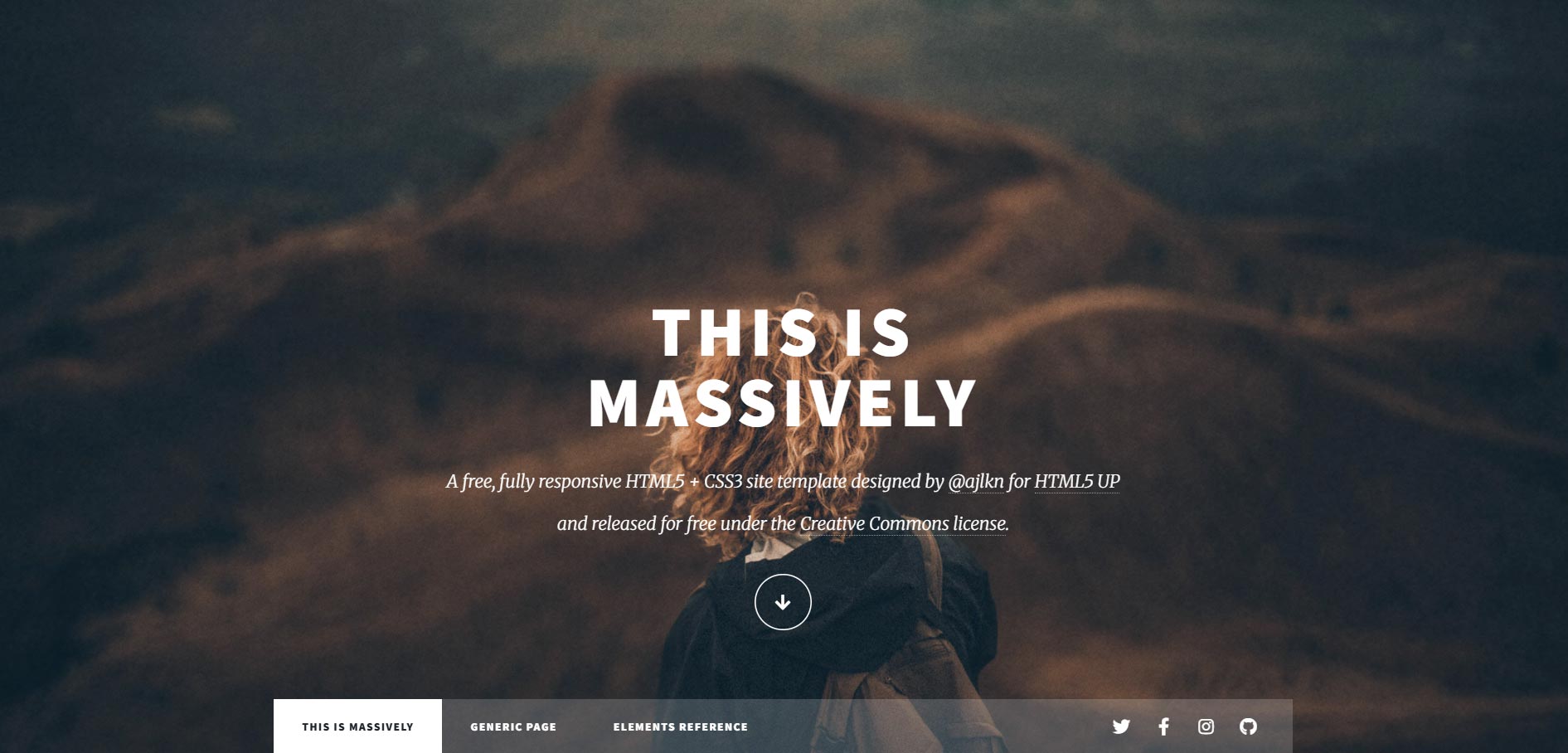
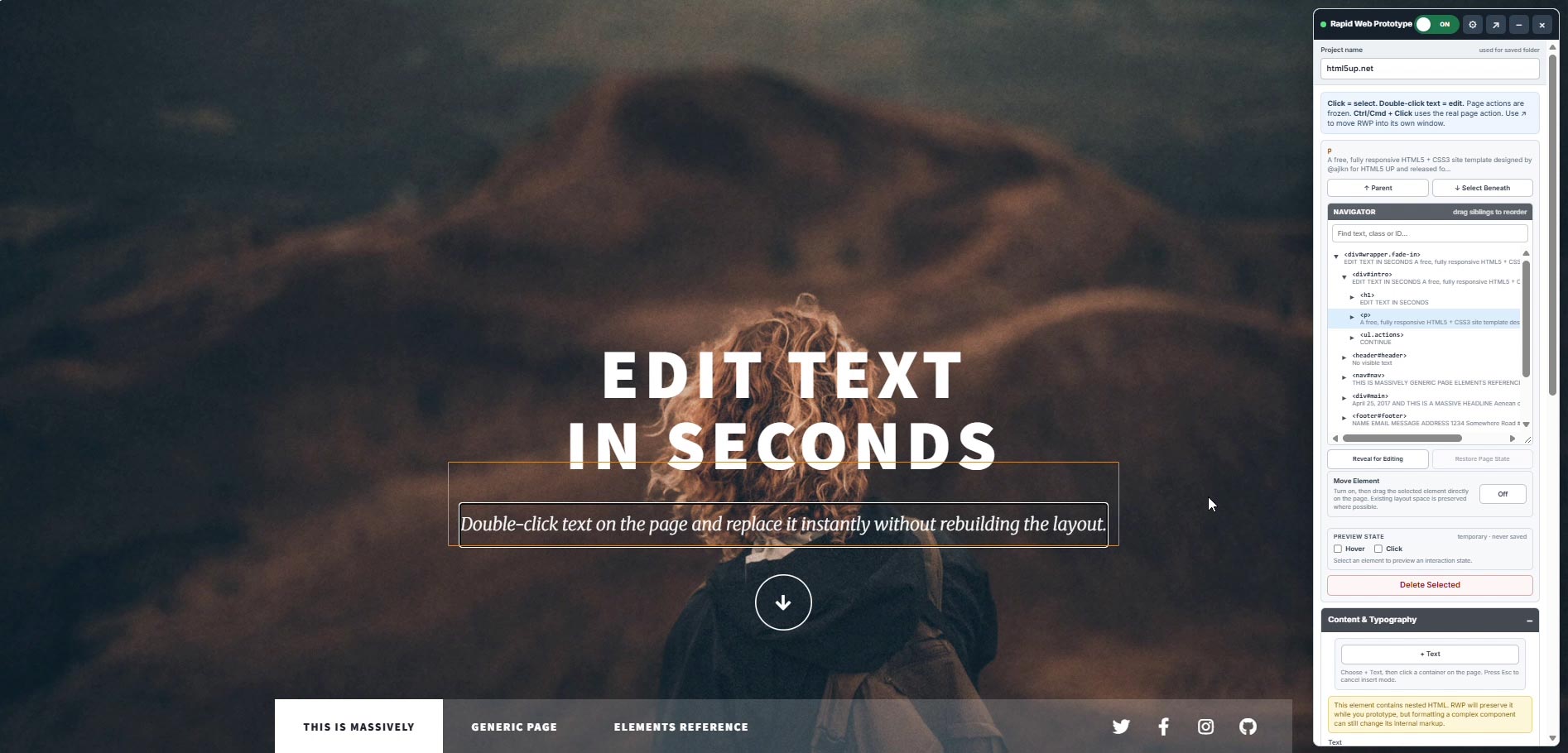
Instead of recreating the page from scratch, launch RWP directly over the site you're reviewing. Select an element and begin exploring the change in context.
Save it and continue the conversation
Save the prototype and return to it later, or use it as a visual reference when discussing the direction with clients, stakeholders or developers. The prototype becomes a much clearer starting point for the next conversation.
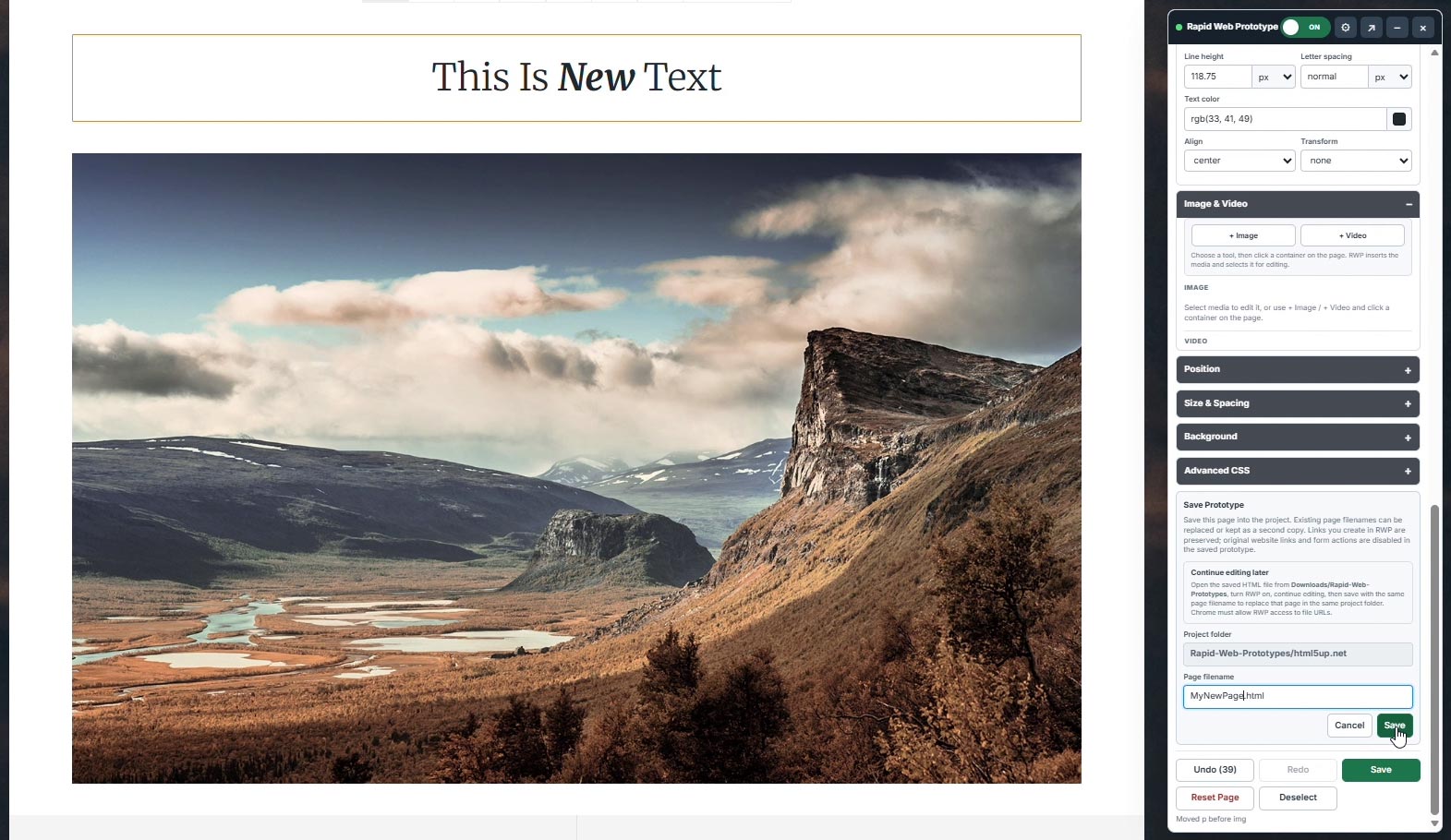
Save Your Edits and Present Your Work
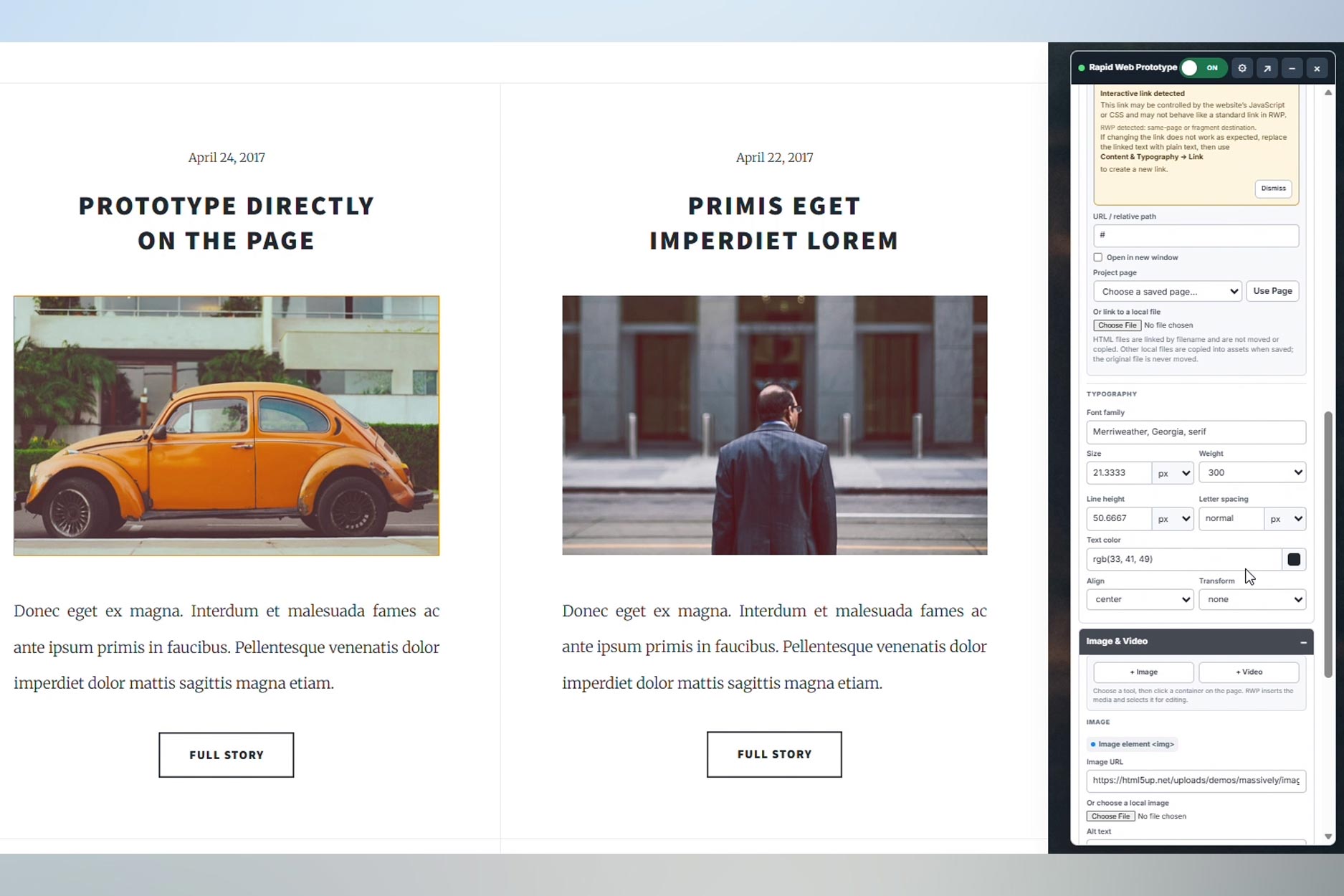
Once you’ve finished making your edits, save the file locally and use it to show your client how their updated website could look. Watch the 3-minute video to see how quickly a customized page can come together.
Designed for Rapid Ideation.
RWP is for designers, creative teams, marketers who has looked at an existing website and thought:
“I know what I would change. I just need to show it.”
You don't need to rebuild the website to make your point.
Open it. Change it. Show it.
Rapid Web Prototyper — $4.99/month
Questions, feedback or an idea for RWP?
Rapid Web Prototyper was built to solve a real design workflow problem, and feedback from the people using it helps shape what comes next.
Need help or have a question?Contact Rapid Web Prototyper
Extension for Browsers
Chrome ExtensionDocumentation
Tutorial
FAQ
Terms of Service
Privacy Policy